

Wootrack Growth Blog
Reduce Wasted Google Ads Spend: WooCommerce Profit Guide
Key takeaways
- A 500% ROAS product can still destroy your profit once COGS, shipping, payment fees, and VAT are factored in.
- Google Ads Smart Bidding optimizes for whatever conversion value you send it – send revenue, it chases revenue; send profit, it chases profit.
- POAS (Profit on Ad Spend) replaces ROAS as your optimization signal, with 100% being break-even and anything above that being real gain.
- WootrackApp calculates true per-order profit from WooCommerce and sends it to Google Ads as an offline conversion, forcing Smart Bidding to optimize for margin.
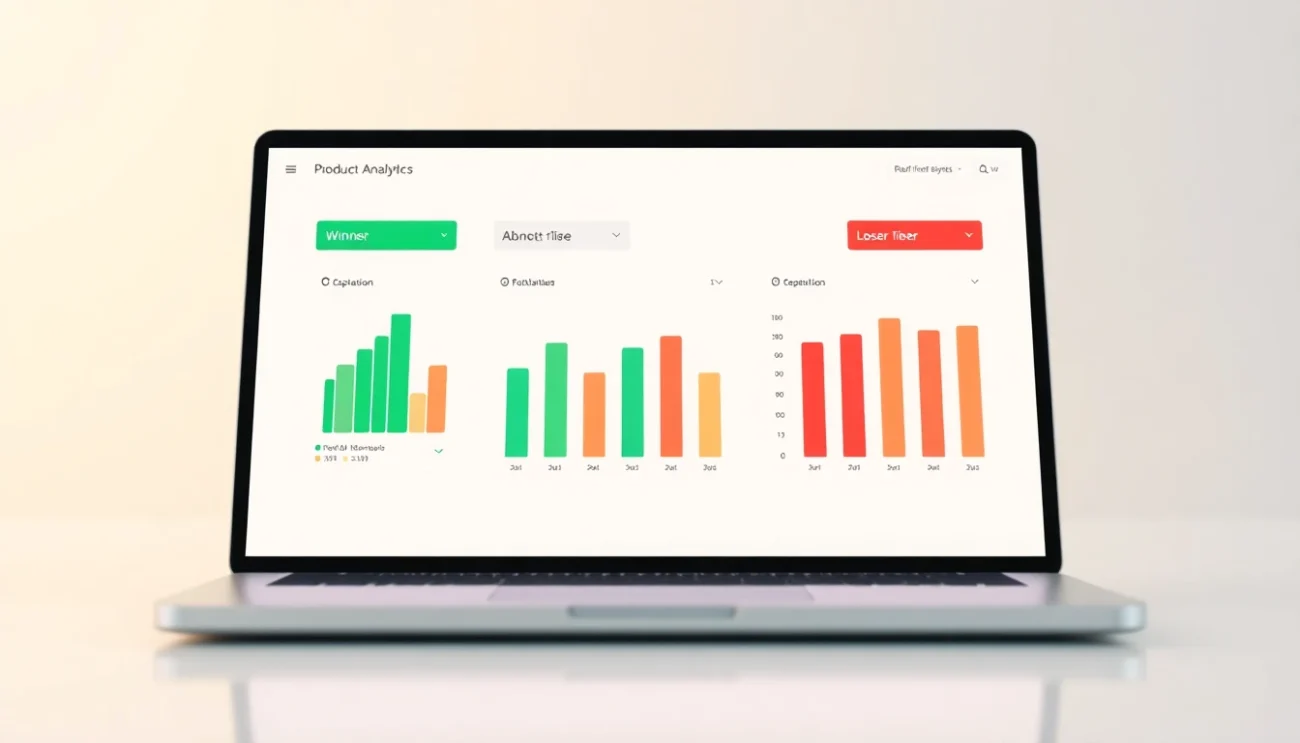
- Product labeling – Winners (A), Borderline (C), Losers (X) – lets you automatically scale profitable SKUs and cut budget on the ones quietly bleeding you dry.
Why Google Ads Keeps Promoting Your Worst Products
Here is the thing. Google Ads does not know what your products cost to fulfill. It knows what they sell for. So when Smart Bidding looks at your campaign and decides where to push budget, it is working with revenue data – not margin data.
The result? Google aggressively promotes high-revenue products regardless of whether those products are actually profitable. A €200 jacket with a 15% margin gets the same algorithmic love as a €200 jacket with a 55% margin. From Google’s perspective, both generated €200 in conversion value. From your bank account’s perspective, they are completely different stories.
This is not a Google bug. It is a data problem. You are feeding the algorithm the wrong signal, so it optimizes for the wrong outcome. Fix the signal, and the algorithm starts working for you instead of against you.
The Hidden Costs That Kill Margins
Most WooCommerce store owners track COGS. But the full picture includes a lot more. Payment processing fees – Stripe charges around 1.4-2.9% plus a fixed fee per transaction. Klarna and PayPal can be even higher. Shipping costs vary by weight, carrier, and destination. EU stores deal with VAT that eats directly into margin. Return rates on certain product categories can quietly drain 5-10% of revenue.
Add all of that up on a €80 product with a €40 COGS, and your actual profit might be €12-15 – not the €40 you see in your revenue report. If you are spending €20 in Google Ads to generate that sale, you are losing money. But your ROAS shows 400%. Looks great. Feels terrible.

How POAS Bidding Cuts Google Ads Waste at the Root
POAS – Profit on Ad Spend – flips the optimization signal from revenue to actual profit. Instead of telling Google ‘this order was worth €80’, you tell it ‘this order generated €14 in real profit’. Smart Bidding then learns which products, audiences, and search queries actually produce profitable outcomes, and starts bidding accordingly.
The math is simple. POAS of 100% means you broke even – €1 of profit for every €1 spent on ads. POAS of 150% means €1.50 profit per €1 spent. That is the number you want to grow. And you cannot grow it if you are feeding Google revenue values instead of profit values.
The mechanism is offline conversions. You send Google a conversion event with the true profit value attached. Google’s AI treats that as the target to maximize. Over time – typically 2-4 weeks of learning – campaigns start shifting budget toward the products and queries that deliver real margin.
What Happens to Your Losing Products
When you switch to POAS bidding, low-margin products stop looking attractive to the algorithm. A product with negative profit after costs sends a near-zero or negative conversion value. Google’s Smart Bidding will naturally deprioritize it – reducing bids, lowering impression share, and eventually pulling spend away from it entirely.
You do not have to manually pause every bad SKU. The data does the work. But you do need accurate profit data flowing into Google Ads in real time. That is exactly what WootrackApp automates – it pulls COGS, shipping costs, payment processing fees, and VAT directly from WooCommerce, calculates true profit per order, and sends that value to Google Ads via offline conversions.
A Real Example: What the Numbers Actually Look Like
Say you run a WooCommerce store selling home goods. You have three products all generating roughly €5,000 in monthly revenue from Google Shopping.
Product A: €120 sale price, €35 COGS, €6 shipping, €2.50 payment fees, €18 VAT. Real profit: €58.50. Ad spend: €400/month. POAS: 146%.
Product B: €80 sale price, €55 COGS, €8 shipping, €1.80 payment fees, €12 VAT. Real profit: €3.20. Ad spend: €380/month. POAS: 0.8% – you are losing money on every sale.
Product C: €200 sale price, €60 COGS, €10 shipping, €4 payment fees, €30 VAT. Real profit: €96. Ad spend: €420/month. POAS: 229%.
Now look at ROAS. Product A: 312%. Product B: 210%. Product C: 476%. Based on ROAS alone, you would scale Product C and maybe cut Product A. But Product B – the one actively destroying your margin – looks completely fine at 210% ROAS. You would never know to cut it without the profit layer.
WootrackApp’s A/C/X labeling would tag Product B as an X (Loser), Product A as a C (Borderline), and Product C as an A (Winner) – and sync those labels to your Google Ads campaigns automatically, so bidding adjusts without you lifting a finger.
Steps to Stop Wasting Budget on Unprofitable Products
- Audit your real product margins – include COGS, shipping, payment processing fees (Stripe, PayPal, Klarna), and VAT for EU stores.
- Identify which products have ROAS above your target but negative or near-zero real profit – these are your silent budget killers.
- Install WootrackApp and connect it to your WooCommerce store to pull live cost data automatically.
- Enable offline conversion tracking so WootrackApp sends true profit values to Google Ads instead of revenue values.
- Switch your Shopping and Performance Max campaigns to optimize for the profit-based conversion action.
- Review WootrackApp’s per-product profit dashboard to see which SKUs are A (Winners), C (Borderline), or X (Losers).
- Let Smart Bidding run for 2-4 weeks with the new profit signal before evaluating performance shifts.
- Use WootrackApp’s smart budget scaling to automatically increase spend on A-labeled products and reduce it on X-labeled ones.
Frequently asked questions
Why does my ROAS look healthy while my profit margins keep shrinking?
ROAS measures revenue returned per ad dollar. It has no visibility into your costs. A product can return 500% ROAS and still be unprofitable once you subtract COGS, shipping, payment processing fees, and VAT. As you scale spend, you scale losses on those products – which is why margins compress even as ROAS holds steady.
What is POAS and how is it different from ROAS?
POAS is Profit on Ad Spend. Instead of dividing revenue by ad spend, you divide actual profit by ad spend. A POAS of 100% means you broke even. 150% means you made €1.50 profit for every €1 spent. It is a fundamentally more honest metric because it accounts for all your real costs, not just the sale price.
How does WootrackApp send profit data to Google Ads?
WootrackApp connects to your WooCommerce store, pulls order data including product costs, shipping, payment fees, and VAT, calculates the true profit for each order, and sends that profit value to Google Ads as an offline conversion. Google’s Smart Bidding then uses that profit value – not revenue – as the signal to optimize toward.
Will switching to POAS bidding hurt my campaign performance during the transition?
There is typically a 2-4 week learning period as Smart Bidding recalibrates. During this time, you may see some fluctuation in impression share and conversion volume. But the algorithm is learning to chase profitable outcomes instead of high-revenue ones – so short-term dips usually give way to better long-term margin. Avoid making major budget changes during the learning phase.
What does the A/C/X product labeling in WootrackApp actually do?
WootrackApp scores every product in your WooCommerce catalog based on its POAS performance. Products above your profit threshold get labeled A (Winners). Products near break-even are C (Borderline). Products with negative or very low profit are X (Losers). These labels sync directly to your Google Ads campaigns as custom labels, allowing Smart Bidding and budget rules to treat each group differently – scaling winners and suppressing losers automatically.
Do I need to set up separate campaigns for profitable and unprofitable products?
Not necessarily. WootrackApp’s A/C/X labels work within your existing Shopping and Performance Max campaigns via custom label segmentation. You can choose to separate them into distinct campaigns for more granular budget control, or let the profit-based conversion values and labels do the work within a unified campaign structure. WootrackApp also includes auto campaign creation if you want to build a clean profit-optimized structure from scratch.