


Best POAS Tools WooCommerce Google Ads 2026: Full Comparison
Wootrack Growth Blog
Best POAS Tools WooCommerce Google Ads 2026: Full Comparison
Why Choosing the Wrong POAS Tool Is a Profit Problem
There are now dozens of tools claiming to help you optimize Google Ads for profit. But most of them were built for a different store type, a different ad channel, or a different scale. And when the tool does not fit, you end up with incomplete data, broken attribution, or a monthly bill that eats the margin you were trying to protect.
Here is the thing: the best POAS tools for WooCommerce Google Ads in 2026 are not the most famous ones. They are the ones that actually integrate with WooCommerce, pull real costs – COGS, shipping, payment fees, VAT – and send true profit values to Google Ads so Smart Bidding can optimize on something that matters.
We evaluated the three tools that come up most often in this space: WooTrack, ProfitMetrics.io, and Triple Whale. The differences are significant. Let us get into it.
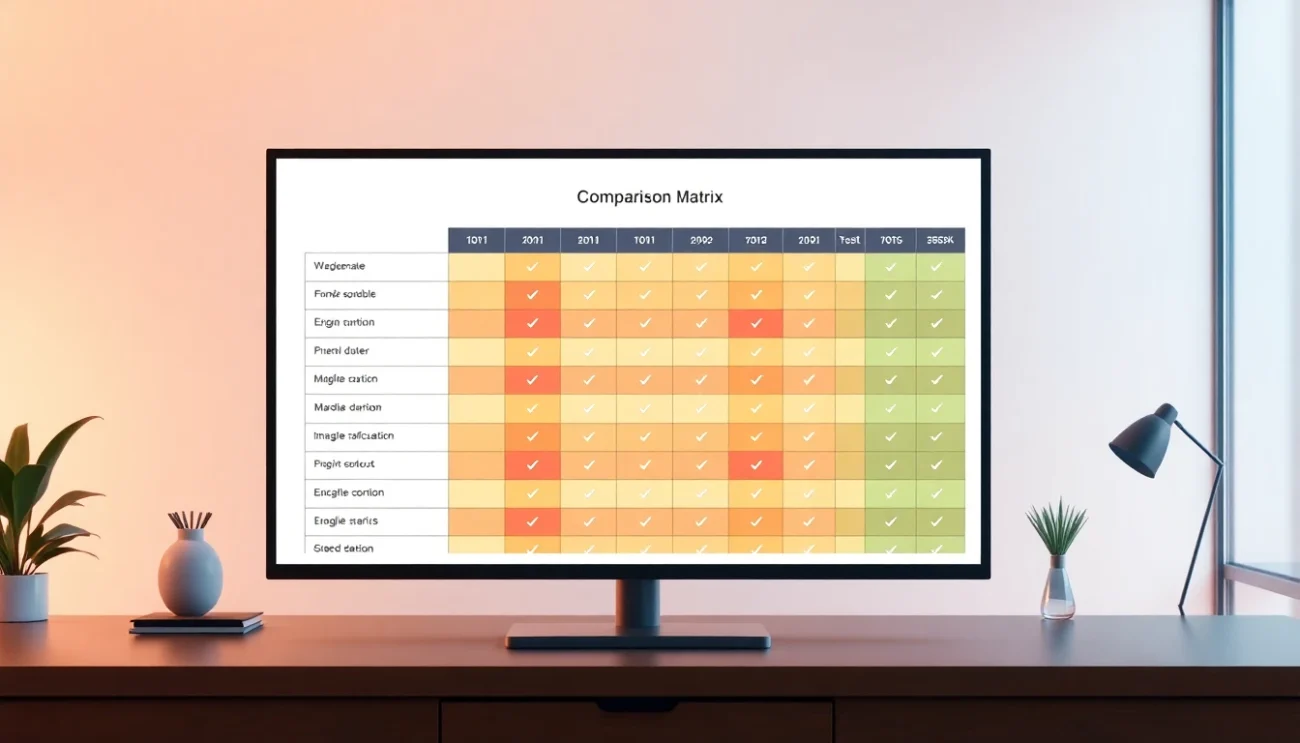
WooTrack vs ProfitMetrics.io vs Triple Whale – POAS tool comparison for WooCommerce Google Ads 2026
| Feature | WooTrack | ProfitMetrics.io | Triple Whale |
|---|---|---|---|
| Built for WooCommerce | Yes – native plugin | Partial – requires setup | No – Shopify-first |
| Google Ads POAS bidding | Yes – offline conversions | Yes – offline conversions | No – not supported |
| Real cost deduction (COGS + fees + VAT) | Yes – automatic | Yes – manual config | Partial – COGS only |
| Shopping + PMax campaign creation | Yes – auto-built from WooCommerce | No | No |
| A/C/X product labeling | Yes – synced to campaigns | No | No |
| Per-product profit dashboard | Yes | Yes | Limited |
| Mobile app | Yes | No | Yes |
| Pricing tier | Solo founders and small teams | Enterprise | Mid-market to enterprise |
| Setup time | Under 30 minutes | Days to weeks | Hours to days |
Breaking Down Each Tool for WooCommerce Google Ads
The comparison table gives you the headlines. But the details matter more when you are committing to a platform that touches your ad spend and your profit reporting.
WooTrack: Purpose-Built for WooCommerce and Google Ads
WooTrack is a WooCommerce plugin – not a SaaS layer bolted on top. It connects directly to your store, pulls order data including COGS, shipping costs, Stripe and PayPal and Klarna payment fees, and VAT for EU stores. Then it calculates true profit per order and sends that value to Google Ads as an offline conversion.
That last step is the critical one. Google’s Smart Bidding gets a profit signal instead of a revenue signal. Your Shopping and Performance Max campaigns stop chasing high-ROAS products that lose money after costs and start scaling the ones that actually make you money.
WooTrack also auto-builds your Shopping and PMax campaigns from your WooCommerce catalog and labels every product as A (winner), C (borderline), or X (loser) based on POAS. Those labels sync directly to your campaigns. You do not have to manually update anything. And if you want to check performance on the go, the mobile app gives you per-product profit data without opening a laptop.
For a solo founder or a small team managing a WooCommerce store, this is the fastest path from ‘Google Ads optimizing for revenue’ to ‘Google Ads optimizing for profit.’ Setup takes under 30 minutes.
ProfitMetrics.io: Powerful but Enterprise-Heavy
ProfitMetrics.io is a serious platform. It does POAS bidding via offline conversions, it handles cost deductions, and it has been around long enough to have real enterprise clients. But it was not built specifically for WooCommerce, and that shows in the setup process.
Getting ProfitMetrics.io configured for a WooCommerce store typically takes days, sometimes weeks, depending on how your cost data is structured. The pricing reflects its enterprise positioning – it is not built for stores doing under €500K in annual revenue. And there is no auto campaign creation, no A/C/X product labeling synced to Google Ads, and no mobile app.
If you are running a large operation with a dedicated analytics team, ProfitMetrics.io is worth evaluating. But for most WooCommerce store owners, it is more tool than you need – and more cost than your margin can absorb.
Triple Whale: Great Analytics, Wrong Channel
Triple Whale is genuinely impressive for what it does. It is a Shopify-first analytics platform with strong multi-touch attribution, a clean interface, and a mobile app that operators actually use. But it is not a Google Ads profit optimization tool.
Triple Whale does not send POAS signals to Google Ads. It does not support offline conversions for profit-based bidding. It is built around Meta and TikTok attribution, with Google Ads treated as a secondary channel. If your primary growth lever is Google Shopping or Performance Max – and for most WooCommerce stores it is – Triple Whale leaves a massive gap.
And the Shopify-first architecture means WooCommerce integration is always going to feel like an afterthought. You can connect it, but you will not get the same depth of data that Shopify stores get out of the box.

How to Choose the Right POAS Tool for Your WooCommerce Store
- Confirm the tool sends actual profit values to Google Ads via offline conversions – not just revenue with a margin estimate applied client-side
- Check whether it pulls real WooCommerce order data: COGS, shipping costs, payment processor fees, and VAT if you sell in the EU
- Verify Google Shopping and Performance Max are first-class supported channels, not an afterthought behind Meta or TikTok attribution
- Look for product-level profit visibility – you need to know which SKUs are winners and which are burning budget
- Make sure the pricing tier matches your store size – enterprise platforms charge enterprise prices even when your margins are thin
- Test setup time before committing – a tool that takes weeks to configure is a tool you will configure wrong
- Check for automation features like A/C/X product labeling and smart budget scaling so you are not manually adjusting bids and budgets every week
Frequently asked questions
What makes WooTrack different from ProfitMetrics.io for WooCommerce stores?
WooTrack is a native WooCommerce plugin built specifically for Google Ads profit optimization. It auto-creates Shopping and PMax campaigns, labels products as A/C/X based on POAS, and sends real profit values to Google Ads in under 30 minutes. ProfitMetrics.io is a more general enterprise platform that requires significant manual configuration for WooCommerce and does not include campaign creation or product labeling features.
Can Triple Whale optimize Google Ads for profit on WooCommerce?
No. Triple Whale does not support POAS bidding via offline conversions for Google Ads. It is primarily a Shopify-focused analytics platform built around Meta and TikTok attribution. WooCommerce stores using Triple Whale will not get Google Shopping or Performance Max profit optimization – that requires a tool like WooTrack that actually sends profit signals to Google.
What costs does a POAS tool need to deduct to calculate true profit?
At minimum: COGS (cost of goods sold), shipping costs, and payment processing fees (Stripe, PayPal, Klarna typically charge 1.5-2.9% per transaction). EU stores also need VAT deducted. WooTrack handles all of these automatically. If a tool only deducts COGS and ignores fees and shipping, the profit number it sends to Google Ads will be inflated – and your bidding will still be off.
What POAS threshold should I target for my WooCommerce Google Ads campaigns?
100% POAS is break-even – you are spending exactly what you earn in profit. Most stores should target 130-150% POAS as a floor, meaning you earn 1.30 to 1.50 euros in profit for every euro spent on ads. Products consistently below 100% POAS are losing money and should be labeled as X (losers) and excluded or reduced. WooTrack’s A/C/X labeling automates this classification.
Is WooTrack suitable for agencies managing multiple WooCommerce client accounts?
Yes. WooTrack is designed for both solo store owners and agencies. You can manage multiple WooCommerce stores, each with their own profit tracking, campaign automation, and POAS reporting. The per-product profit dashboard and mobile app make it easy to monitor performance across accounts without logging into Google Ads for every check.
How long does it take to see results after switching to POAS bidding with WooTrack?
Google’s Smart Bidding needs a learning period – typically 2 to 4 weeks – to adjust to the new profit-based conversion signal. During this time, do not make major campaign changes. After the learning period, most stores see Google Ads shift budget toward genuinely profitable products and away from high-ROAS losers. Stores moving from pure ROAS bidding to POAS via WooTrack have reported pushing effective POAS from below 100% to 140% or higher within 60 days.